

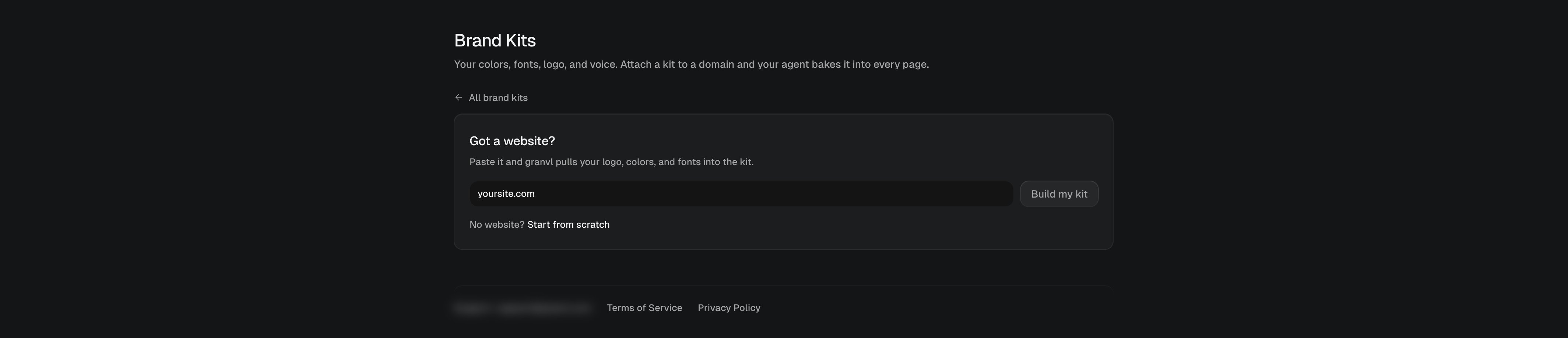
New brand kit: paste your website URL and granvl extracts the brand
Extract from your website
The fastest path: paste your website URL and granvl builds the kit for you.1
Paste your URL
In Settings → Brand Kits → New brand kit, enter your site’s URL (onboarding offers the same step). granvl visits the site, screenshots it, and reads its styles.
2
granvl extracts the brand
The palette comes from the pixels of your hero section, not from stylesheet color counts, so the primary color is the one that actually dominates your site. Fonts, logo, and legal-page links are detected too.
3
Review and tweak
The kit opens in the editor: adjust any color, swap fonts, upload a different logo, and write the voice line your agent should copy.
Extraction also saves screenshots of your site with the kit. Agents use them as a look-and-feel reference when generating pages, so new pages resemble the site they came from.
What’s in a kit
Brand Mode
Each kit has a Brand Mode toggle:- Off (default): the kit is a strong default. If you ask your agent for a red CTA, you get a red CTA.
- On: the brand is locked. Every variant must use the kit’s palette and fonts; agents will ask before overriding.
Agencies: one kit per domain
Kits attach to domains, so a workspace serving several brands carries several kits. Each domain’s pages pull that domain’s kit, and agents are instructed never to ship one brand’s pages on another brand’s palette.For your agent
Agents read and write kits over MCP:get_brand_kit returns the tokens, logo, voice, and extraction screenshots; update_brand_kit saves changes as your agent learns your brand. Values are baked into page HTML at generation time, so a kit change doesn’t restyle existing pages automatically; ask your agent to re-skin them when you rebrand.